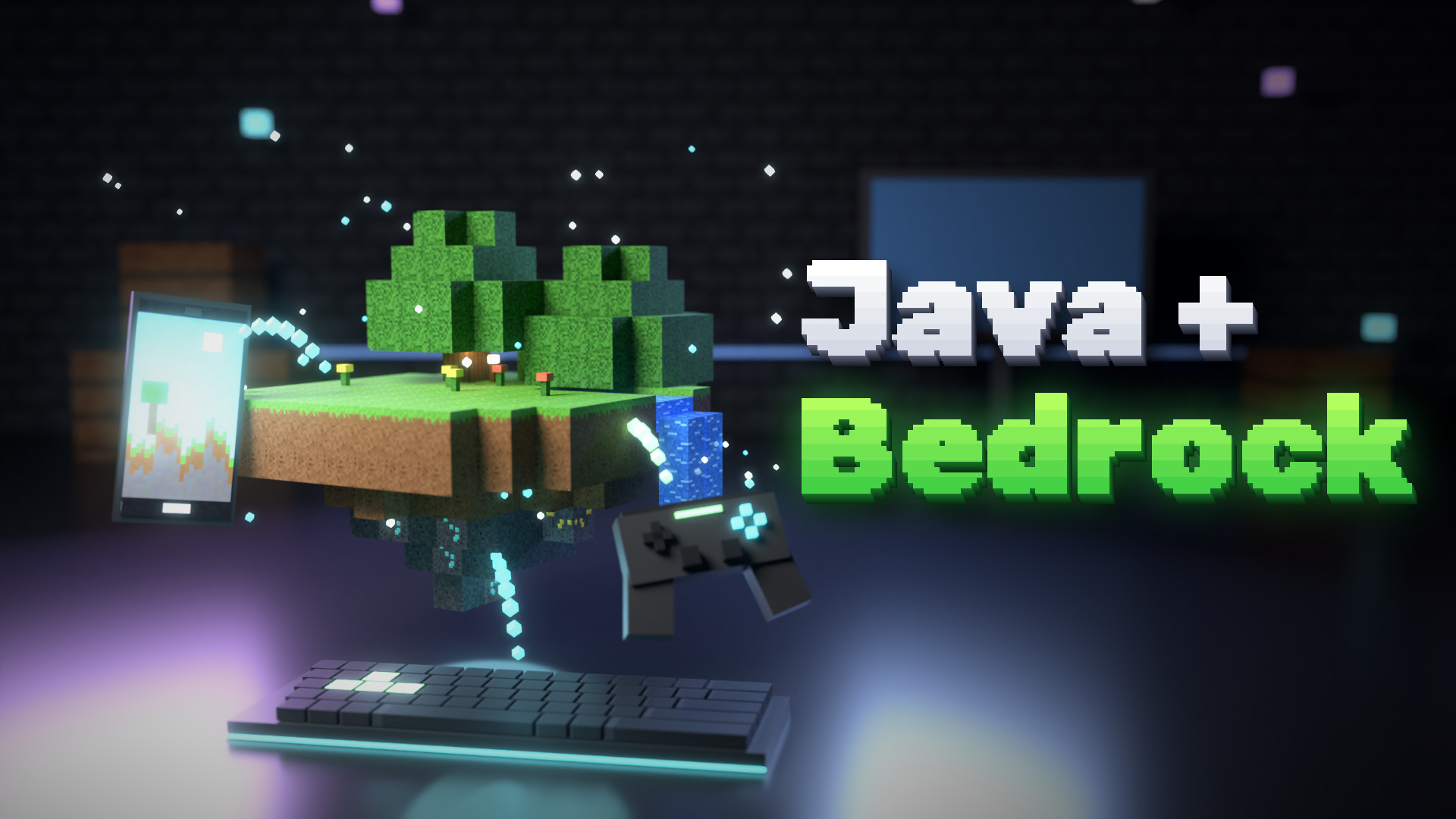
Bedrock Edition (phones, tablets, consoles, Windows) and Java Edition can't play together on their own. Geyser fixes that: it translates between the two, so Bedrock players can join your Java server. Floodgate lets them join with just their Xbox account, without buying Java.
Together they can roughly double the number of players who can join you.
What you need
- A Java server running Paper or Spigot (or a BungeeCord or Velocity proxy).
- One extra port for Bedrock players. The default is 19132.
Step 1: Install Geyser and Floodgate
- Download Geyser and Floodgate from geysermc.org. Pick the versions for your server type (Spigot is the one for Paper too).
- Put both `.jar` files in your `plugins` folder.
- Restart the server.
With a proxy, install them on the proxy instead. Floodgate then needs a few extra steps on the game servers behind it: see the Floodgate setup guide.
Step 2: Set the Bedrock port
Open `plugins/Geyser-Spigot/config.yml` and find the `bedrock` part:
```yaml bedrock: port: 19132 ```
- The Bedrock port must be different from your Java port.
- On a game host, add a second port in your panel (Network or Allocations) and put that number here.
- Open the port at your host or firewall. Bedrock connects over UDP, and newer Geyser versions also use TCP on the same port, so open both if you can.
Step 3: Turn on Floodgate login
In the same Geyser config, find `auth-type` and set it to `floodgate`, then restart. Now Bedrock players join with their Xbox account. No Java account needed.
How Bedrock names look
To keep Bedrock and Java names apart, Floodgate puts a dot in front of Bedrock names, and replaces spaces with underscores. A player called "Steve Craft" on Bedrock shows up as `.Steve_Craft`.
You can change the prefix with `username-prefix` in `plugins/floodgate/config.yml`. Keep it short and unusual, so it never clashes with a Java name.
This matters for anything that uses names: permissions, whitelists and vote rewards. To whitelist a Bedrock player, use Floodgate's own command with their gamertag, for example `fwhitelist add SteveCraft`.
Versions
Geyser supports the newest Bedrock version. If your Java server runs an older Minecraft version than Geyser expects, add ViaVersion too, so newer clients can join. Geyser's setup page always lists what it needs right now.
Test it
On a phone or a Bedrock PC:
- Open Minecraft, tap Play, then the Servers tab.
- Scroll down and tap Add Server.
- Type your server's address and the Bedrock port, save, and join.
Consoles (Xbox, PlayStation, Switch) can't add servers directly. Players there usually use a free helper like BedrockConnect.
List it as Java + Bedrock
On CraftVote, pick Java + Bedrock as your edition and type both ports. Your server then shows in the Java list and in the Bedrock list, and players see both addresses.
Vote rewards work for both kinds of players with NuVotifier. CraftVote sends Bedrock votes with the Floodgate name (with the dot), so your reward plugin finds the right player. The Geyser guide shows every step, and how to install NuVotifier covers the vote side.
Common problems
- Bedrock players time out: the Bedrock port is closed, or it is the same as the Java port.
- "Outdated client" or "outdated server": update Geyser, or add ViaVersion.
- Bedrock players get no vote rewards: the vote used their name without the prefix. See NuVotifier not working?
Your server, on the list
Listing your server on CraftVote is free too.