The hardest part of running a Minecraft server is the start. Players look at the player count before they join, and an empty server stays empty. The trick is to bring players in at the same time, then give them a reason to come back.
This plan covers the first 30 days. For a full list of places to promote your server, see how to promote your Minecraft server.
Before launch: get the basics right
Players decide in the first five minutes. Before you invite anyone:
- Say what your server is in one sentence. "Semi-vanilla survival with land claims and no pay to win" is clear. "A fun server for everyone" isn't.
- Make spawn useful. Clear signs, the rules, and the way out to the world.
- Help new players start. A starter kit, a short tutorial, or one quest that teaches the main feature.
- Keep it online. Players remember a server that was down when they tried. Check it with our server status checker.
- Play it with friends first. Fix the bugs they find before strangers see them.
Week 1: launch on one day
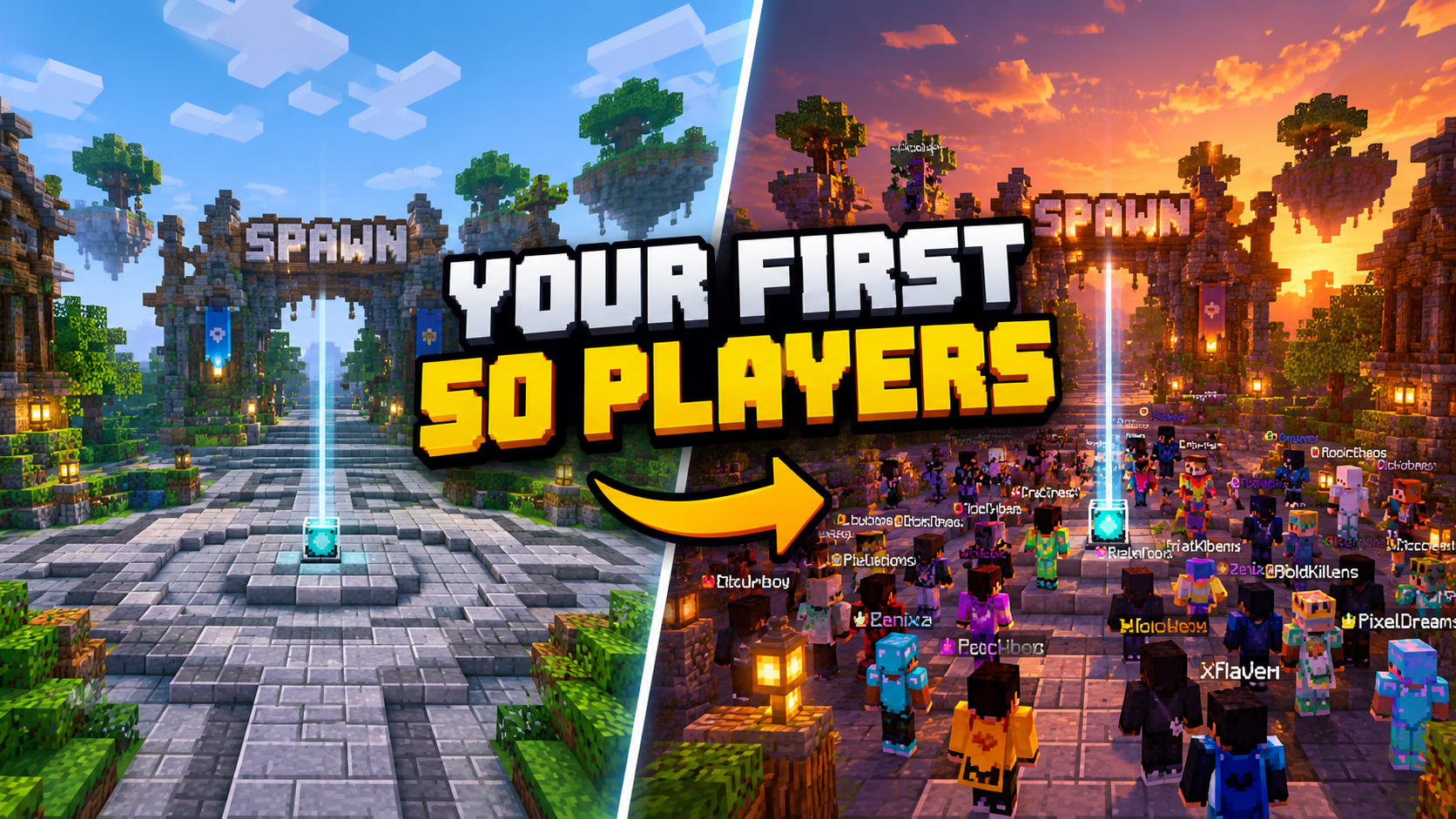
Pick a launch date and time, and bring everyone in at once. A server with 15 players online at the same moment looks alive. The same 15 players spread over a week don't.
- Open a Discord server a week before. Post the launch time and a countdown there.
- List your server on server lists with a good description, the right gamemode tags and a banner. Our listing tips help, and the banner maker makes a 468×60 banner in a minute.
- Post in places that allow server ads: server-advertising Discord servers and subreddits. Read each place's rules first.
- Ask friends to be online during the first evening, so new players never find an empty spawn.
Week 2: give players a reason to come back
- Events at fixed times. A build contest on Saturday, a PvP tournament on Sunday. Fixed times teach players when the server is busy.
- Talk to players. Answer in Discord, ask what they would add, and fix what they report. New players stay where they feel heard.
- Small updates often. A new shop, a new area, a new event. Post every change in Discord.
Week 3: turn players into votes
Votes move you up the lists, and a higher place brings new players. That loop is how small servers grow.
- Set up vote rewards so voting is worth it: see how to install NuVotifier and how to set up VotingPlugin. On Bedrock, see vote rewards on a Bedrock server.
- Remind players: a message at login, a `/vote` command, a pinned post in Discord.
- Add a vote party: when the server reaches a number of votes, everyone online gets a reward.
On CraftVote the ranking starts again on the 1st of every month, so a new server with active voters can reach the top of its gamemode quickly.
Week 4: look at what worked
- Ask new players where they found you. A short question in Discord is enough.
- Do more of what worked and drop what didn't.
- Thank your regulars. A cosmetic title for your first players costs nothing and makes them stay.
Mistakes that kill new servers
- Too many plugins and features at once. Do one thing well first.
- Pay to win ranks on day one. They push away the players you need most.
- Launching before it's stable. A crash on launch day costs you most of your first players.
- Going quiet. A server whose owner disappears for a week loses its community.
Ready? List your server on CraftVote. It's free, and players can find it by gamemode, version and edition.
Your server, on the list
Listing your server on CraftVote is free too.